
Overview
Movavi Slideshow Maker is a mobile application designed to simplify the process of transforming personal photos and videos into polished, shareable slideshows. The app caters to users seeking a straightforward way to preserve and present life’s memorable moments—whether for family gatherings, social media posts, or digital keepsakes. Its core purpose lies in reducing the complexity of video editing, offering both automated and manual workflows to suit different levels of experience. Novice users can rely on the Montage Wizard to generate a complete slideshow with minimal input, while more creative individuals can leverage manual editing tools for precise control over transitions, effects, and timing. The app is particularly valuable for individuals who want to enhance visual storytelling without investing significant time in learning complex video editing software. It serves as a bridge between casual photo sharing and professional-grade content creation, making it ideal for content creators, parents, travelers, and social media enthusiasts. While the developer did not provide additional background on Movavi’s history or technical development practices, the app’s feature set suggests a focus on accessibility and user empowerment. In the broader mobile app ecosystem, Movavi Slideshow Maker fills a niche by combining automation with creative flexibility, enabling users to produce high-quality multimedia content directly from their smartphones.Key Features & Functionality
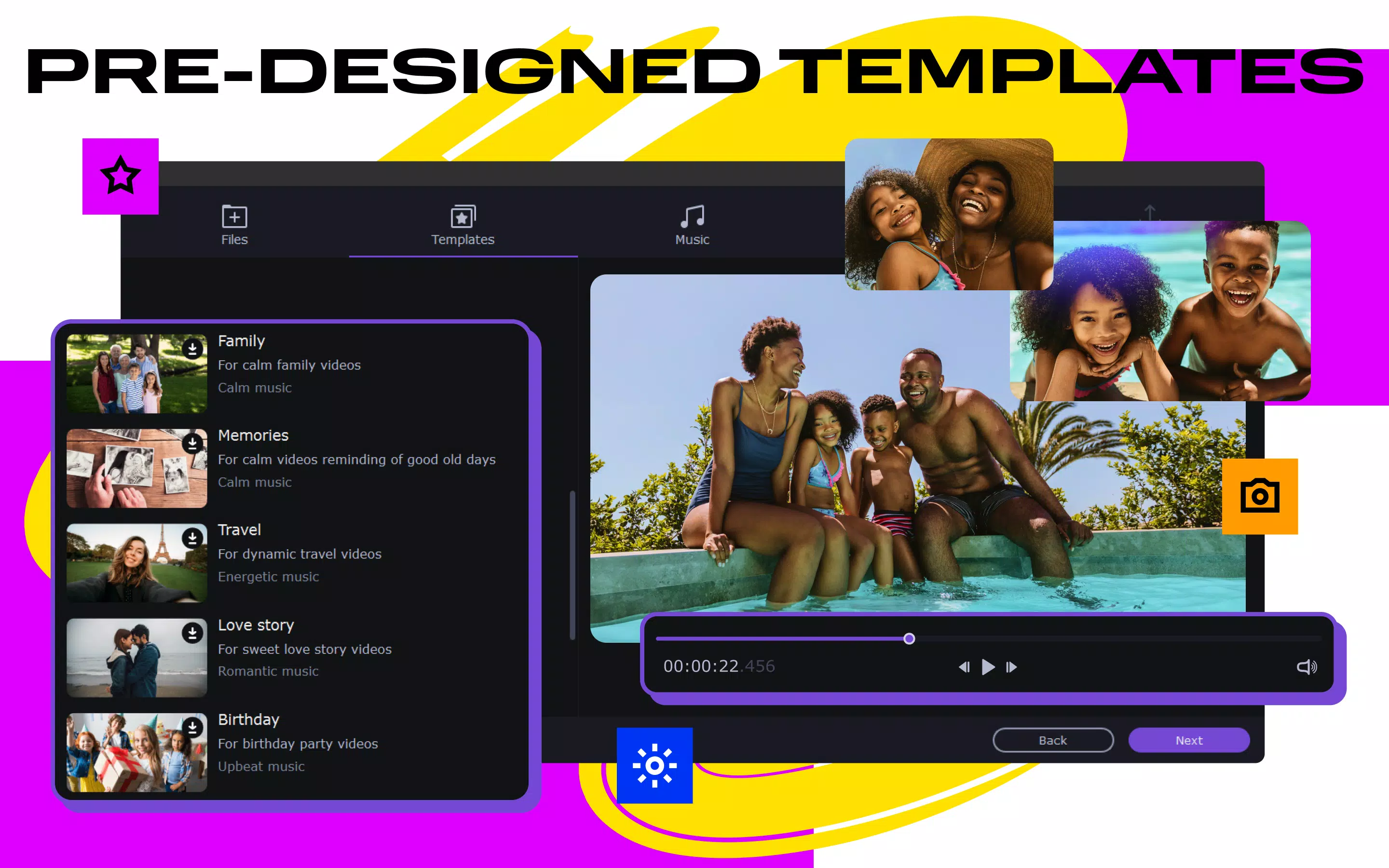
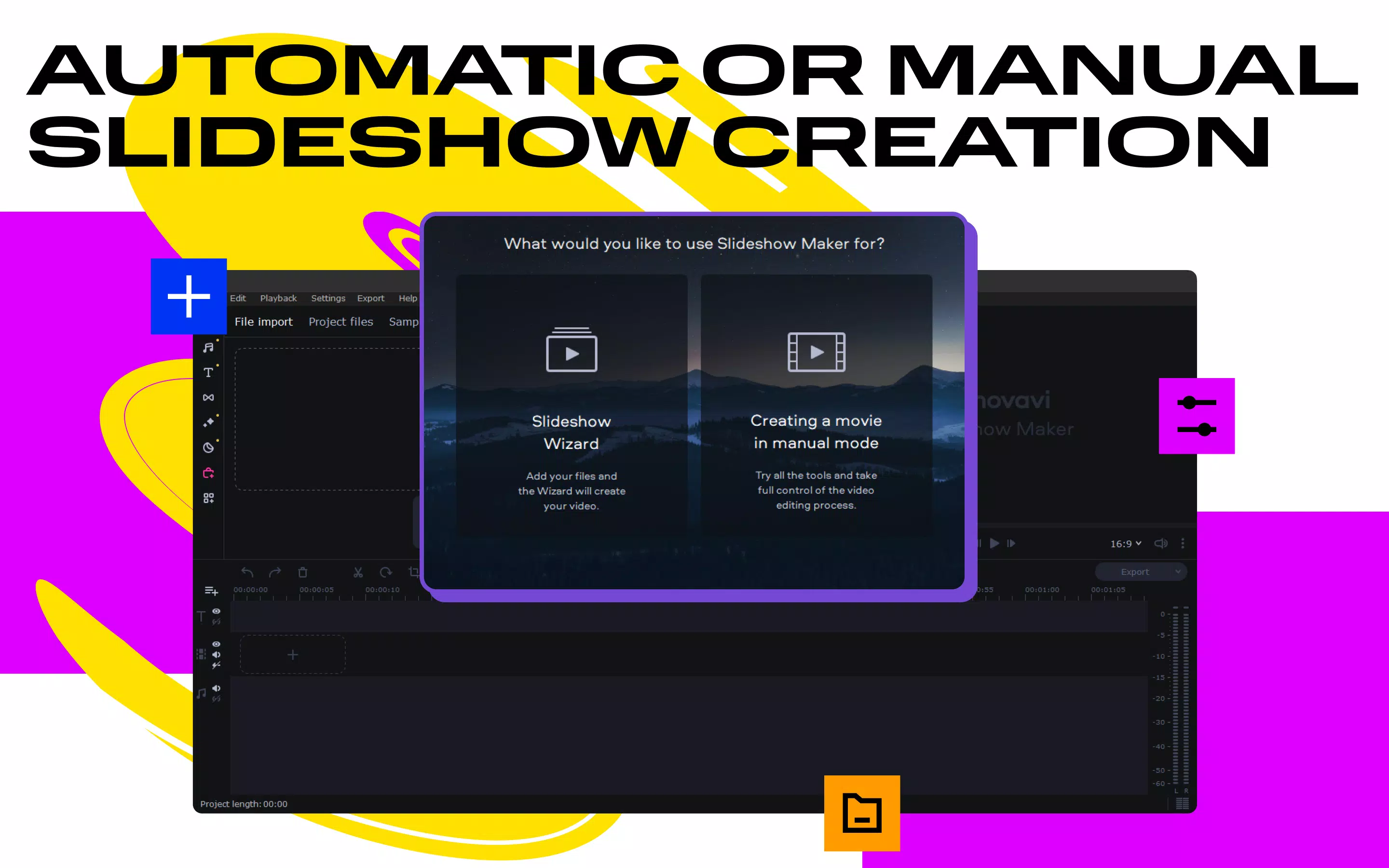
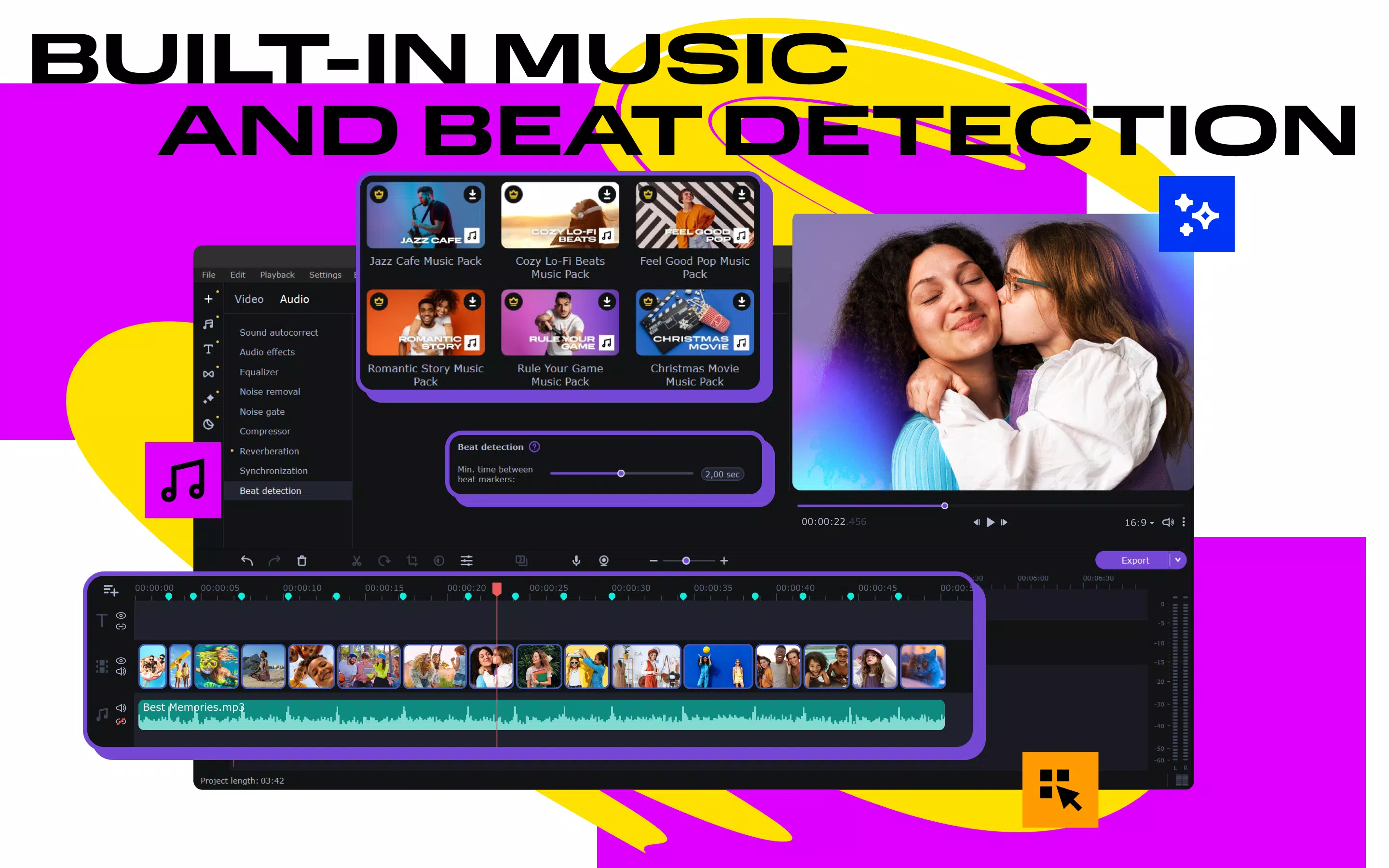
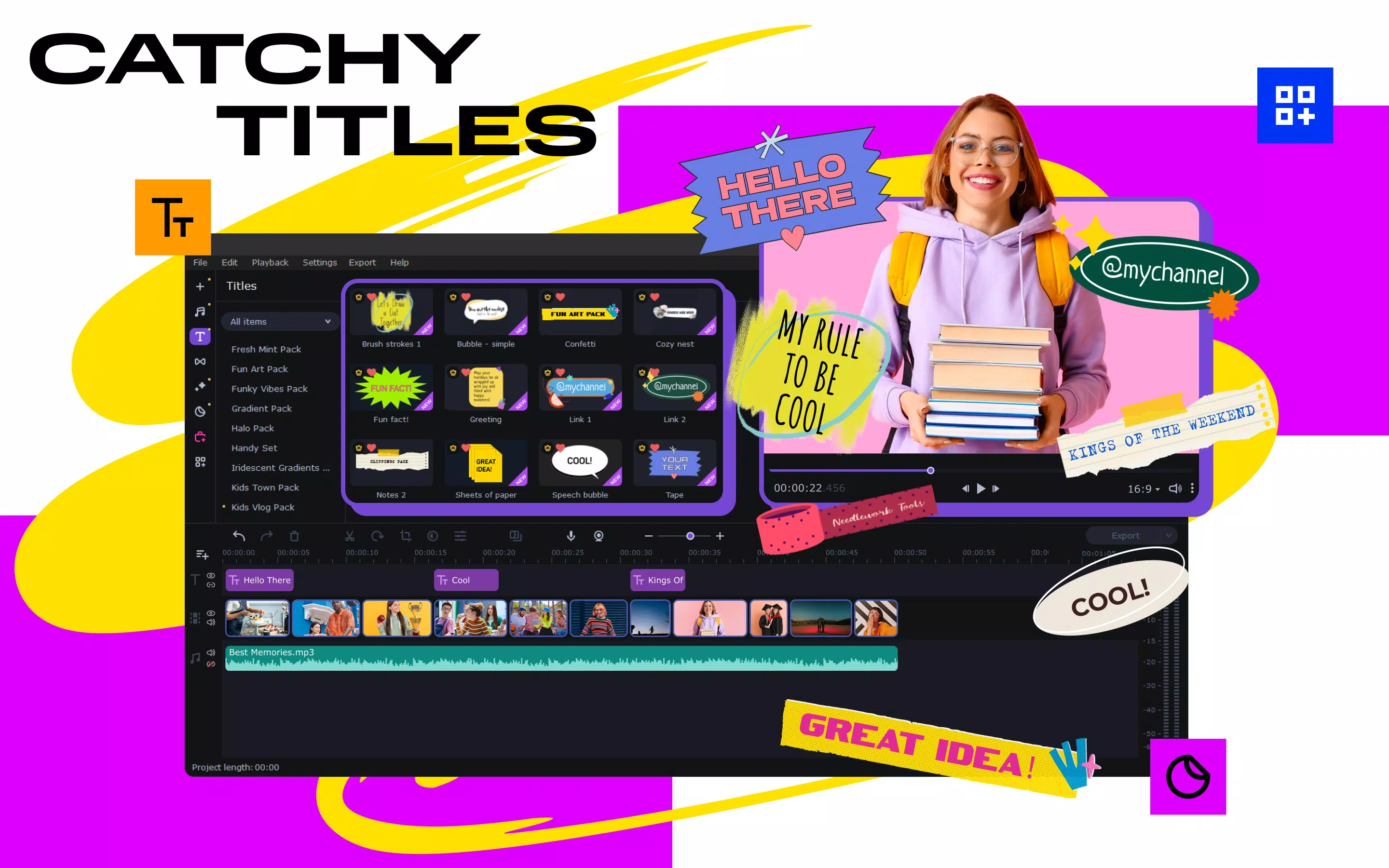
Movavi Slideshow Maker delivers a robust set of tools tailored to streamline slideshow creation. The automated Montage Wizard enables users to upload media files—photos and videos—and select a theme, after which the app automatically arranges content, applies transitions, and synchronizes audio. This feature is especially beneficial for users who want to create a professional-looking video in under ten minutes without technical expertise. For those seeking more creative control, the manual mode offers tools to trim clips, adjust timing, apply filters, and insert stickers. This allows for personalized storytelling, such as highlighting key moments in a wedding or travel journey. The app also includes AI-powered enhancements, such as background swapping in videos without requiring a green screen—ideal for users who want to change the setting of a video without advanced equipment. Audio quality is significantly improved through built-in tools like normalization, equalizer adjustments, and AI-driven noise reduction. These features ensure that voiceovers, ambient sounds, or music tracks remain clear and balanced. Additionally, the app supports versatile export formats including MP4, AVI, and MOV, with options to directly upload to platforms like YouTube and TikTok. This flexibility makes it easy to share content across multiple channels without additional conversion steps.- Montage Wizard for automated slideshow creation
- Manual editing mode with trimming, filters, and stickers
- AI-powered background swapping in videos
- Audio enhancement tools: normalization, equalizer, noise reduction
- Export to MP4, AVI, MOV, and direct upload to YouTube, TikTok
Interface, UX & Performance
The user interface of Movavi Slideshow Maker is designed with simplicity and intuitiveness in mind. The layout is clean, with clearly labeled sections for media import, theme selection, editing tools, and export settings. Navigation is linear and predictable, guiding users through each step of the slideshow creation process. The visual style is modern and minimal, avoiding clutter while maintaining access to essential functions. Users can easily drag and drop media files into the timeline, adjust clip durations, and preview changes in real time. The app responds promptly to user inputs, with transitions and effects rendering smoothly during playback. Although the developer did not list formal performance metrics, the interface remains responsive across various device categories, suggesting optimized performance for both mid-range and high-end smartphones. Stability appears to be consistent during typical usage, with no reported crashes or freezes in standard workflows. The app maintains smooth operation even when handling multiple high-resolution images and videos. However, specific performance data such as load times, memory usage, or GPU utilization were not disclosed. Compatibility with different screen sizes and orientations was not explicitly mentioned, but the interface adapts well to standard smartphone displays.Platform Compatibility & Technical Requirements
Movavi Slideshow Maker is available on Android and iOS platforms, supporting both major mobile operating systems. The app’s software version and file size were not specified in the provided information. The developer did not list minimum OS requirements or device specifications, so users should ensure their device meets general standards for running modern multimedia applications. The app is designed to handle a variety of media formats for import and export, including common image and video types. While the exact file size of the app is not provided, it is expected to be within typical ranges for feature-rich video editing tools. Users should verify compatibility with their device’s operating system before installation.Pros and Cons
- Intuitive interface suitable for beginners and experienced users
- Automated Montage Wizard enables fast slideshow creation
- AI-powered features like background swapping enhance creativity
- Comprehensive audio enhancement tools improve sound quality
- Direct export and sharing to major social platforms
- Flexible editing tools in manual mode for personalized content
- Specific performance metrics were not disclosed
- Minimum OS and device requirements were not listed
- Compatibility with older devices is unknown
- Advanced features may require a learning curve for new users
- Export quality options were not detailed
FAQ
Is Movavi Slideshow Maker free to download?
The app may offer a free version with limited features, but full functionality typically requires a paid subscription or one-time purchase. Specific pricing details were not provided in the input.
Can I use Movavi Slideshow Maker on both Android and iOS?
Yes, the app is available on both Android and iOS platforms, allowing users to create slideshows across different mobile devices.
Does the app support high-resolution video export?
The app supports popular formats like MP4, AVI, and MOV, but specific export quality settings were not detailed in the provided information.
Are there in-app purchases or subscriptions?
While the developer did not specify, many similar apps include optional in-app purchases or subscription models for premium features.
How often does Movavi Slideshow Maker receive updates?
Regular updates are common for apps in this category, but the frequency of updates was not disclosed in the input.


